
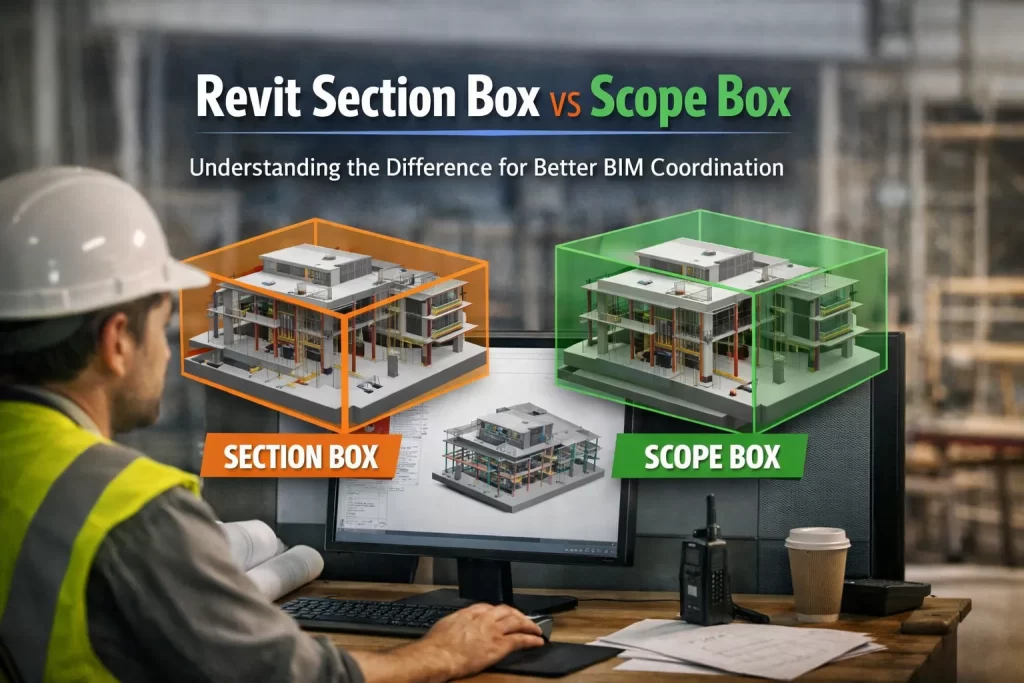
In the world of Revit and BIM workflows, two tools often confused—but essential for daily modeling tasks—are the Section Box and the Scope Box. Although both help improve visualization and control, they serve completely different purposes. For BIM teams, especially those handling multi‑discipline coordination, understanding this difference is crucial for clean modeling, efficient collaboration, and error‑free project delivery.
At CMLC Consulting, we use both tools extensively across Architectural, Structural, and MEP BIM projects to ensure clarity, consistency, and high‑quality deliverables.
1. What Is a Revit Section Box?
Purpose: Visual control, model isolation, and detailed review.
A Section Box allows you to temporarily crop a 3D view to focus on a specific area, floor, room, or system.
It’s ideal for:
- Clashes in congested MEP zones
- Reviewing equipment installations
- Checking duct/pipe routing
- Visualizing structural details inside tight spaces
- Creating quick 3D snapshots for coordination meetings
How CMLC Uses Section Boxes
During BIM Coordination Services, our team frequently applies Section Boxes to:
- Examine conflicts between ducts, pipes, and beams
- Create isolated 3D conflict visuals for clash reports
- Improve stakeholder understanding in coordination calls
This helps reduce RFIs, enhances clarity, and speeds up issue resolution across all disciplines.
2. What Is a Revit Scope Box?
Purpose: Model-wide alignment, consistency, and controlled extents.
A Scope Box defines standard boundaries for:
- Levels
- Grids
- Views
- Elevations
- Plan regions
It ensures model consistency, especially on large, multi‑building, or multi‑phase projects.
How CMLC Uses Scope Boxes
Scope Boxes are essential for:
- Maintaining uniform crop regions across all floor plans
- Ensuring grid/level alignment across Architectural, Structural & MEP models
- Improving documentation consistency for client deliverables
- Managing model extents on large industrial, institutional, and data center projects
For large-scale projects, Scope Boxes help avoid mismatched plan sizes, misaligned elevations, and coordination confusion.
Section Box vs Scope Box: Quick Comparison
| Feature | Section Box | Scope Box |
| Purpose | Visual isolation | Model-wide view control |
| Used In | 3D views only | Plans, elevations, sections |
| Best For | Clash review, detailed checks | Consistency, alignment, documentation |
| CMLC Application | MEP coordination visuals | Standardizing large projects |
Why Understanding the Difference Matters
A misunderstanding between these tools can lead to:
- Misaligned project sheets
- Inconsistent view extents
- Inefficient clash resolution
- Confusion during model exchange
At CMLC, our BIM specialists ensure your project benefits from proper usage of these tools, improving accuracy, consistency, and coordination efficiency.
How CMLC Adds Value to Your BIM Workflow
Our team leverages Revit tools like Section Boxes and Scope Boxes as part of our core services:
- BIM Coordination Services
- Architectural & Structural BIM Services
- MEP BIM Modeling and Clash Resolution
- Scan-to-BIM Services for accurate as-built modeling
We ensure that your design team, contractors, and stakeholders always have clean, organized, and consistent models throughout the project lifecycle.
Conclusion
Both tools—Section Box and Scope Box—are essential but serve different purposes.
- Section Box: For detailed 3D inspections and clash coordination.
- Scope Box: For project-wide consistency and controlled documentation.
Using both effectively leads to fewer errors, better visualization, stronger coordination, and smoother project delivery—all central to how CMLC delivers high-quality BIM solutions.