
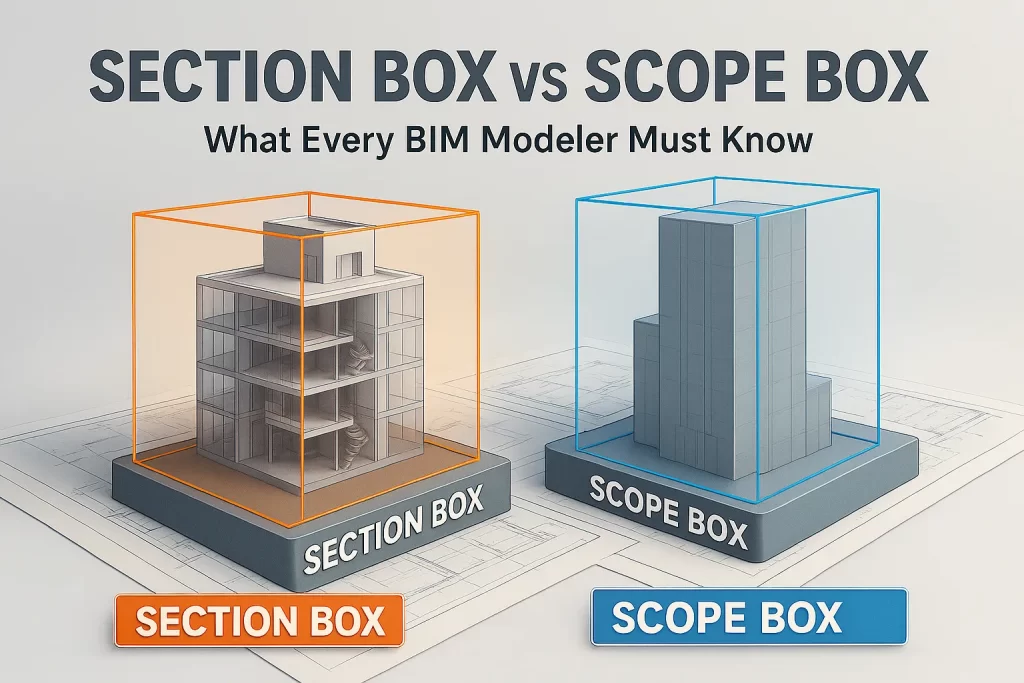
Revit gives coordinators two deceptively similar tools—Section Box and Scope Box—that solve very different problems. Understanding when and how to use each can dramatically speed up model reviews, reduce RFIs, and keep documentation consistent across disciplines. At CMLC Consulting, we bake both into our templates and coordination playbooks so teams move faster with fewer errors.
What a Section Box Really Does (and Why It’s Powerful)
A Section Box is a 3D view crop. You use it to temporarily isolate a portion of the model—say, a congested ceiling zone, a plantroom, or a riser—to “see inside” without exploding views or hiding categories. It is ideal for:
- Rapid clash investigation in tight spaces.
- Showing MEP rerouting options around beams or walls.
- Guiding constructability discussions with contractors.
- Producing visual snapshots for clash reports and meeting packs.
For disciplined clash-to-resolution workflows, see our BIM Coordination Services.
CMLC tip: Save named 3D views like L03_East_Riser_MEP_Clash with a tight Section Box and color filters per system (ducts, pipes, trays). This becomes a reusable “hotspot” you can revisit in future coordination cycles.
What a Scope Box Controls (and Why It Matters)
A Scope Box sets consistent boundaries for levels, grids, plans, elevations, and sections. It’s about model-wide alignment and documentation—not local inspection—and is indispensable on large/multi-building jobs.
Use Scope Boxes to:
- Standardize plan extents across Architecture, Structure, and MEP.
- Lock RCPs and floor plans to the same window for all trades.
- Keep elevations/sections aligned from project start to closeout.
- Avoid “cropped weirdly” sheets that confuse reviewers and installers.
CMLC tip: Name boxes by zone and level (e.g., ZN-A, ZN-B; L01–L10). Package them in the template and share with consultants via linked models.
When to Use Which
- Use Section Box for local, visual analysis in 3D: clashes, routing, constructability, issue screenshots.
- Use Scope Box for global, consistent documentation: sheet alignment, plan extents, and cross-discipline coordination.
The combination reduces sheet revisions, shortens review cycles, and builds trust with owners who see a clean, consistent set.
Related CMLC services:
Architectural BIM • Structural BIM • Scan-to-BIM • Get a Quote