
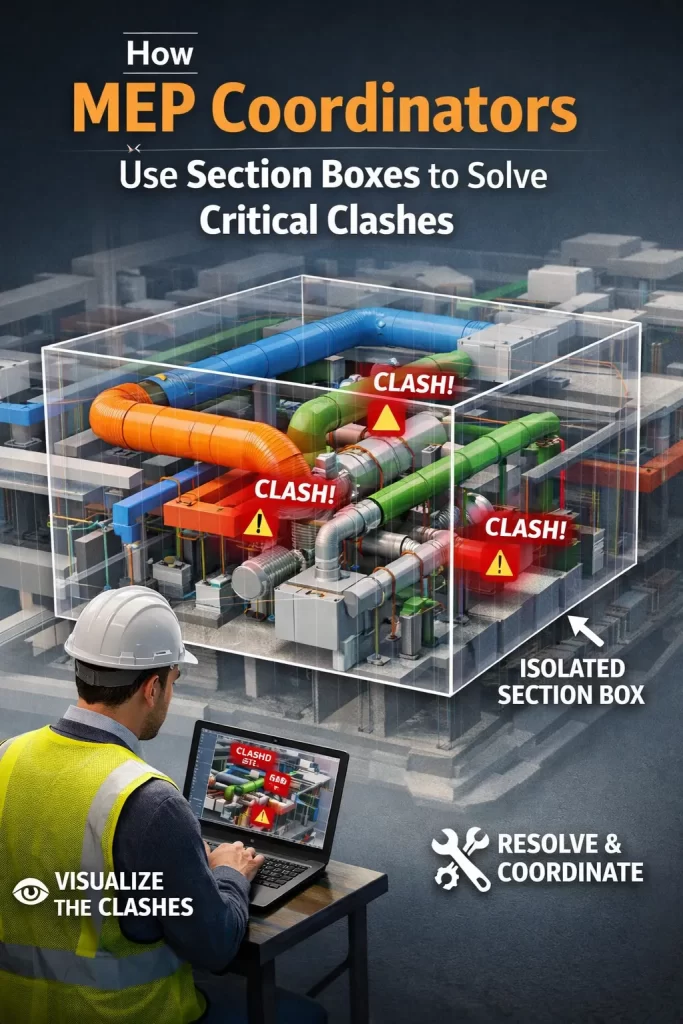
MEP spaces are where the model “gets real”—ducts, pipes, cable trays, sprinklers, and equipment fight for inches against structure and architecture. The Section Box is the coordinator’s scalpel: it removes noise and displays only the conflict zone so teams can make quick, correct decisions.
A Clash-to-Resolution Loop That Works
- Generate clash sets (e.g., HVAC vs Structure, Plumbing vs Architecture, Electrical vs HVAC) in Navisworks.
- Open the exact area in Revit, apply a tight Section Box, and color-code systems via View Filters.
- Snapshot & mark up the cropped 3D view with tags and notes.
- Propose a fix (reroute duct, shift hanger, resize sleeve, move valve).
- Save a named viewpoint and link it to the issue log; capture the before/after for traceability.
This workflow—clash → isolate → resolve → document—reduces rework and keeps meetings focused.
Why It Improves Installation Efficiency
- Field teams see the exact geometry and clearances.
- Prefabrication benefits from precise hanger/sleeve locations.
- Change impact is minimized because issues are discovered earlier.
CMLC advantage: Our coordinators maintain a library of Section Box “hotspots” in complex shafts, risers, and plantrooms. It turns recurring problem zones into quick wins in later phases.
Related CMLC services:
BIM Coordination • MEP modeling via Architectural BIM • Projects • Contact