
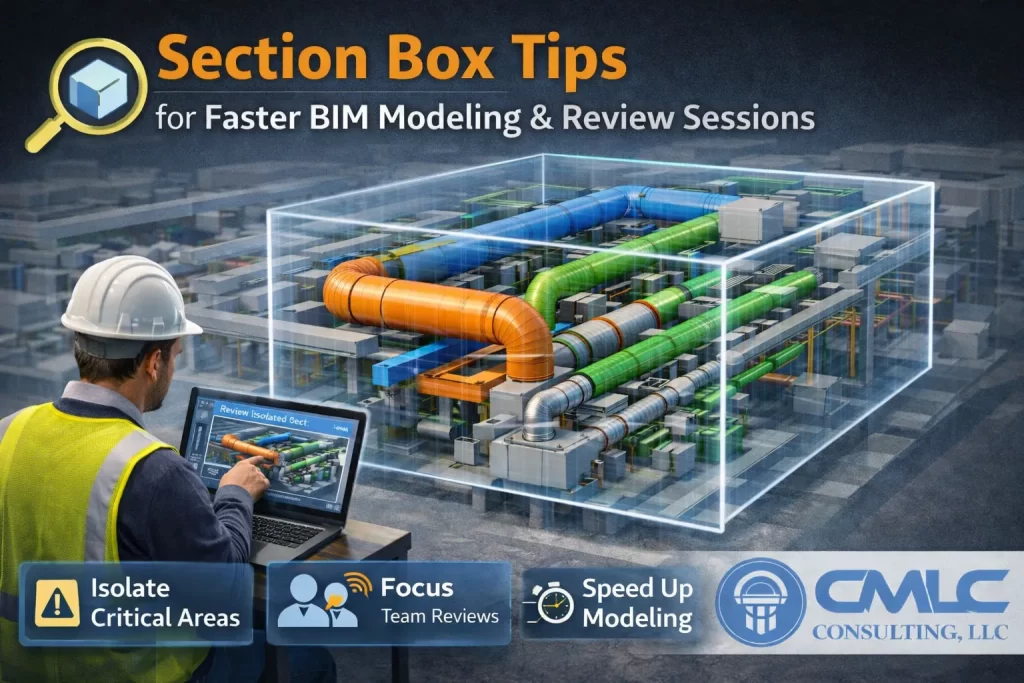
Time is everything in coordination meetings. Use these pro tips to make Section Boxes your speed multiplier.
Performance & Clarity Tips
- Keep the Section Box tight—avoid rendering extra geometry.
- Preset filters (HVAC/Plumbing/Electrical) and save named 3D views by trade + zone.
- Use keyboard shortcuts and assign quick-access to enable/disable Section Box.
- Tag/annotate in 3D views sparingly—just enough to be unambiguous.
Meeting Flow
- Open the agenda-aligned hotspot views in sequence.
- Show before/after visuals for each resolved clash.
- Record action items right on the view (or in an issue tracker) and save.
CMLC method: We maintain a “fast deck” of Section Box views the project manager can run like slides—every minute saved in meetings is a minute invested in modeling quality.
Related CMLC services:
BIM Coordination • Architectural BIM • Contact